脚本/功能 Automatic UI Anchoring 1.0

Unity插件信息
插件名称: Automatic UI Anchoring
插件官网: https://assetstore.unity.com/packages/tools/gui/automatic-ui-anchoring-142911
版本: 1.0
解压密码:
素材类型: 脚本/功能


Have you ever made the UI for your game only to realize that you now have to manually anchor many of the UI objects so that their aspect ratios are persevered when scaling to different screen sizes?
I know I have and if you have too look no further this is the perfect plugin for you!

You can use Automatic UI Anchoring For Unity 3D to set the anchor positions of UI elements by simply selecting them in the hierarchy view and then selecting "Tools->Automatic UI Anchoring->Anchor Selected UI Objects" from the top bar or pressing the hotkey which by default is "F1" on your keyboard!

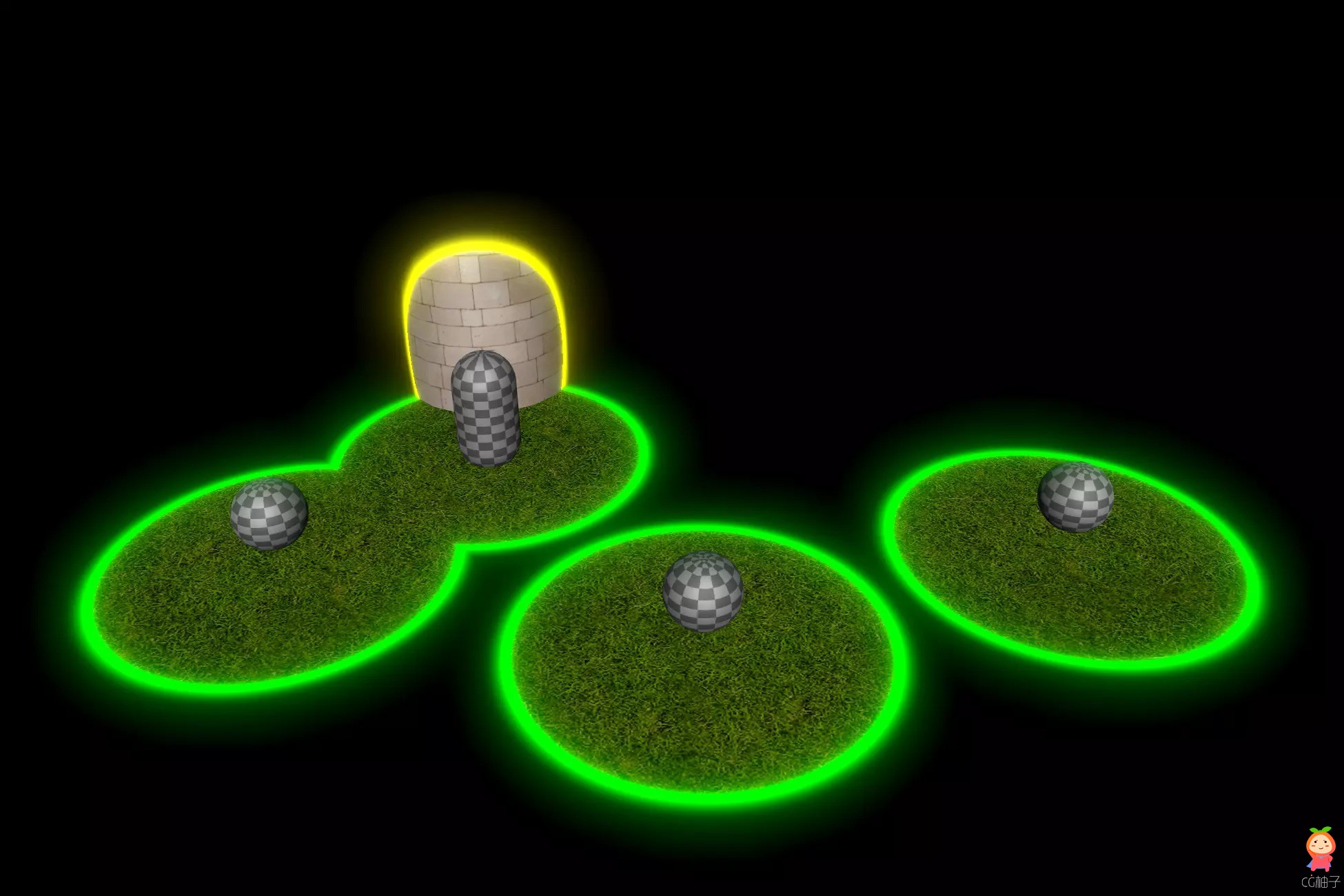
您是否曾在为游戏制作用户界面时才意识到,您现在不得不手动锚定许多用户界面对象,以便在缩放至不同屏幕尺寸时保持它们的宽高比?
我知道我有过这样的经历,如果你也有这样的经历,那么这款插件将是你的最佳选择!

您只需在层次视图中选中 UI 元素,然后从顶部栏中选择 “Tools(工具)->Automatic UI Anchoring(自动 UI 锚定)->Anchor Selected UI Objects(锚定选中的 UI 对象)”,或按下键盘上默认为 “F1 ”的热键,即可使用 Automatic UI Anchoring For Unity 3D 来设置 UI 元素的锚定位置!


作者 cg小白兔 发表于 2025-3-6 14:04:08
您需要登录后才可以回帖 登录 | 立即注册
cg小白兔

关注0

粉丝0

发布10873

热门作品推荐
glow
EasyRoads3D Pro v3 3.2.1f4 道路创建插件
glow
Amazing World Fading 2.8 褪色效果渐变效
glow
【更新】PDF Renderer 5.31多平台PDF实时阅
glow
Mountain Environment - Dynamic Nature 1.
glow
【更新】LIQUA Volumetric Fluids 1.5.2液
glow
Cobra Snake - Bonus Files 1.0 眼镜蛇角色
glow
Forest animals 1.0 21种温带森林动物
glow
Gothic Exterior 1.0中世纪建筑城堡树木城
glow
【更新】Pure Nature 2 Meadows 2.1风格化
glow
Dungeon Architect 2.32.0 适配UE5.5